












 Safety


Editor's Review
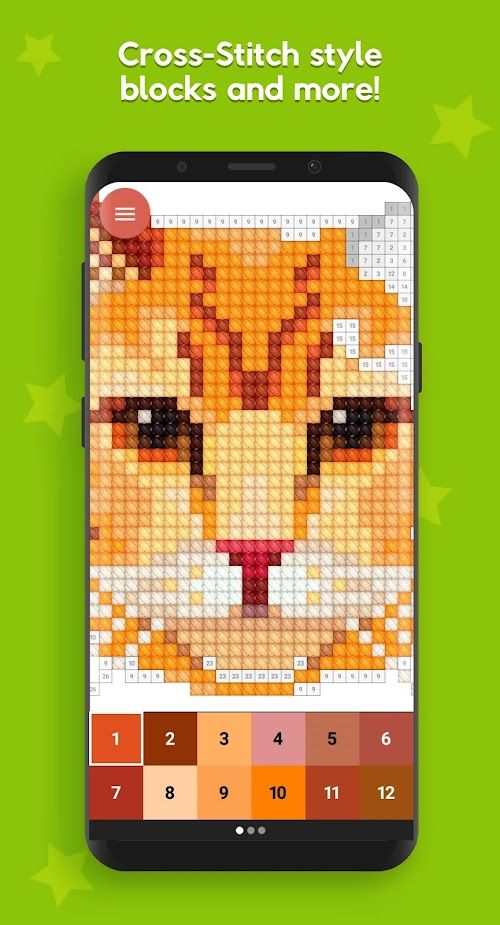
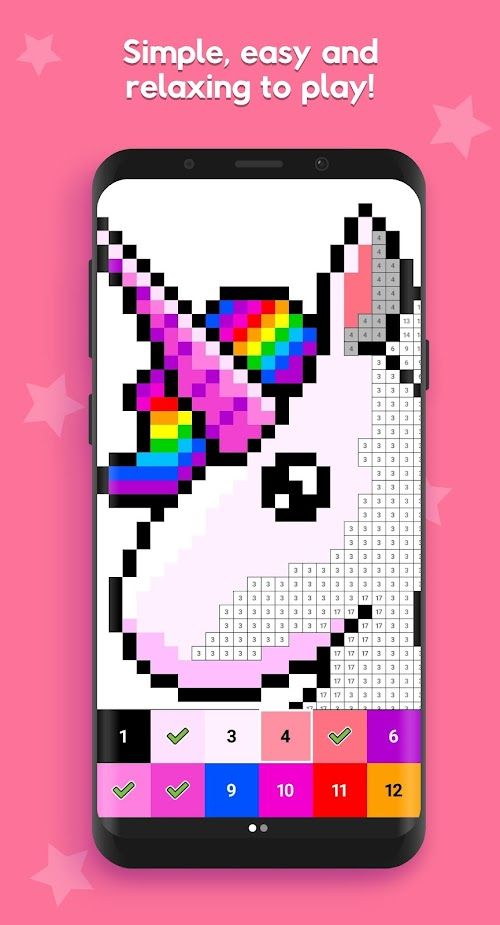
Pixel Tap is a pixel art coloring game that is both easy to play and has some surprisingly complicated customization options and a big list of artwork options to choose. At its core, Pixel Tap lets you fill numbered blocks with the correct colors to complete intricate pixel art pieces. You can choose from thousands of preset artworks — from charming cartoon characters to highly detailed landscapes with over 40,000 individual blocks — and even convert your own photos into pixel art projects using the game’s built-in image conversion tool.
The way the game works on mobile devices and the effects of optimization on the overall experience of playing Pixel Tap is one of the aspects of the game that players react to in different ways. Although most players find it relaxing and addictive, others observe that the application may consume a lot of resources, resulting in performance difficulties that could otherwise make the game enjoyable and calm.
Pixel Tap can stress the processing capabilities of your device when it comes to large and detailed artworks. Some users have reported that completing complex projects causes their phone to heat up noticeably or consume battery at a faster rate than typical casual games. Battery drain from extended painting sessions has been explicitly mentioned by players, with reports of noticeable battery percentage decrease during long coloring sessions. This issue can be especially prominent when zooming in on large pixel grids, as rendering and responsive touch detection require additional processing to keep the interface smooth.
Recognizing these concerns, the developers released a recent update aimed at reducing battery usage and improving performance stability. The version 2.0.8 incorporates some optimizations to these areas and hopefully, long sessions would be more comfortable and would not cause much heating of the device. Although this is a good move, there are still performance problems to be overcome on older or more budget-friendly devices, and performance can also vary greatly depending on the hardware model.
Performance also ties into how Pixel Tap manages memory and offline caching of artwork. Because the game allows access to your entire collection across devices after logging in, it stores substantial image data locally. While this provides convenient offline play, it can increase storage use and occasional loading delays when browsing extensive galleries. Those with limited storage may notice slower load times, particularly when switching between large projects and higher-resolution custom artwork.
Another performance-related concern involves app stability. Users have also complained of certain crashes or freezes, particularly when browsing through the large picture galleries or coming back to a project after having been dormant. These distractions may be irritating in a creative process especially on the gadgets whose performance is almost at its edge. It should be mentioned, though, that most gamers have found it easy to play on mid-range and high-end devices and tablets, with the game resources being more efficiently managed.
Overall, the optimization of performance of Pixel Tap is a two-sided sword. On capable devices, the game delivers a polished and satisfying creative experience, with responsive mechanics and efficient battery use after recent updates. On less powerful hardware, the demands of large pixel artworks can expose performance limitations, potentially undermining long sessions and causing thermal or battery issues. Prospective players should consider their device’s capabilities when diving into Pixel Tap’s expansive pixel art world.
By Jerry | Copyright © JoyGamerss - All Rights Reserved



















Comments